

About Compose
The Message Composer is where you create and edit messages before sending or publishing them. It provides tools to configure settings, add content, and manage delivery options.Where to find Compose
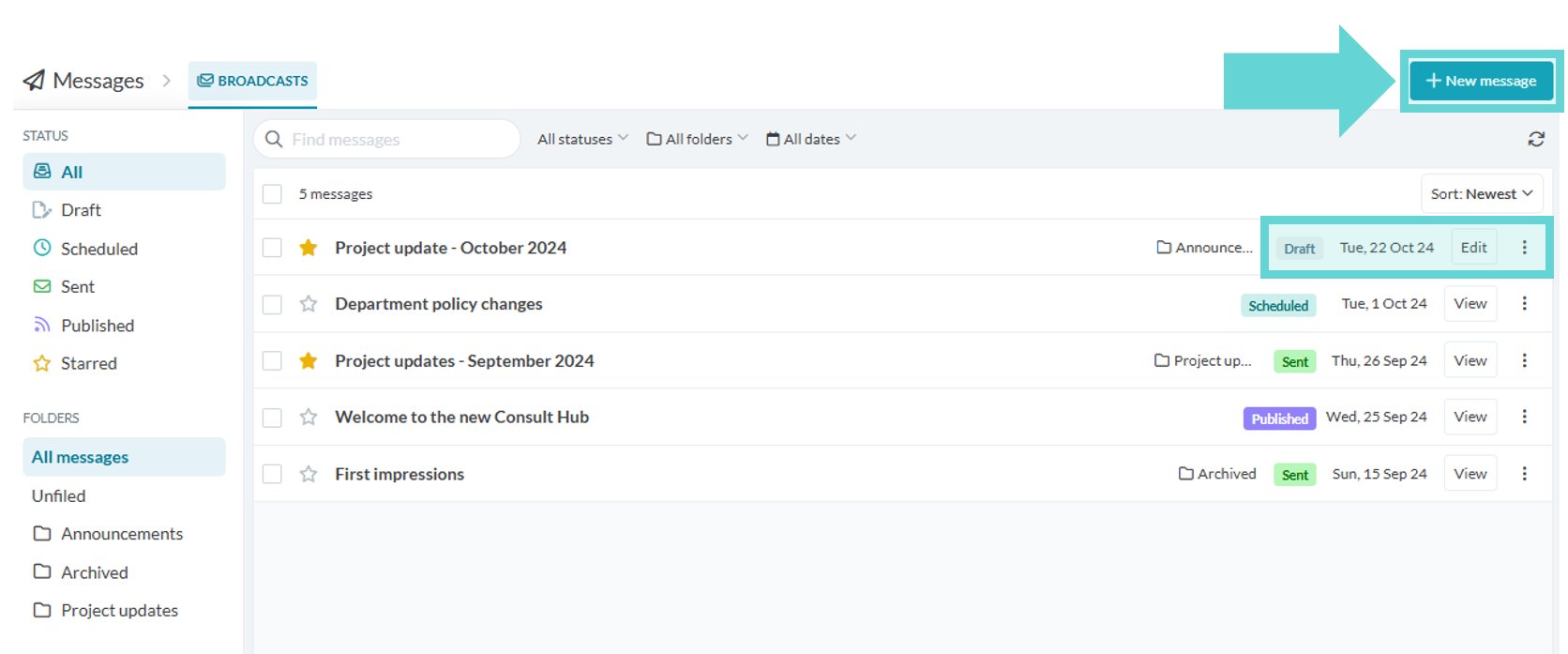
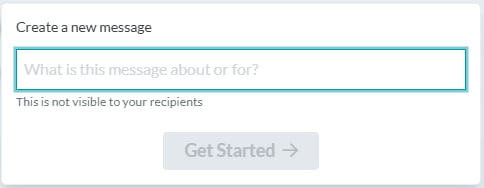
To open the Message Composer:- Click New Message to start a new message. Enter an internal title and click Get Started.
- To continue editing a draft, select an unpublished message from Broadcasts.
Navigating Compose
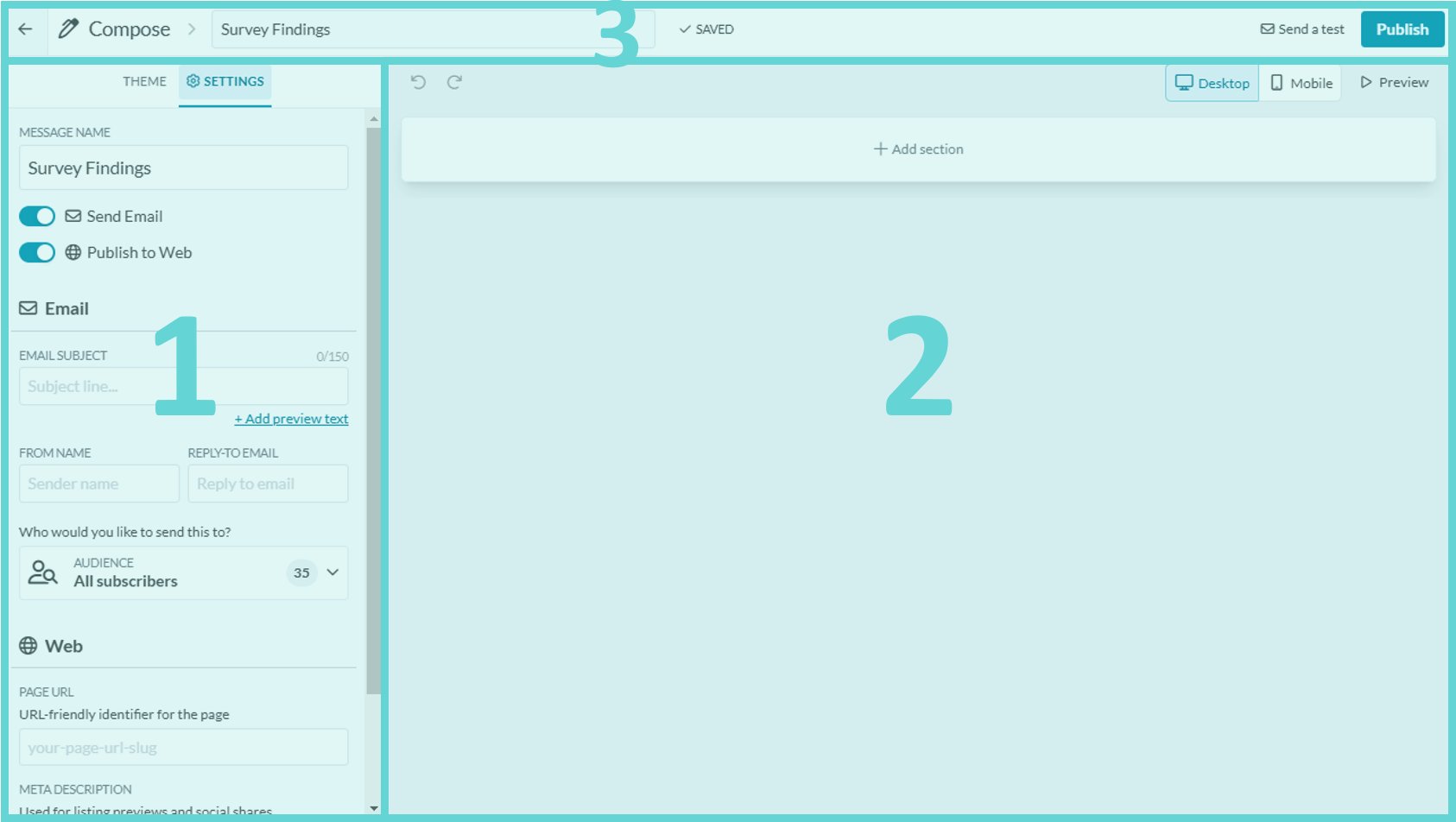
- Configure: this is where you can edit the theme and settings of your message
- Message Stage: this is where you add sections and content to your message
- Compose Menu: this is where you can rename, send a test or publish your message