Login link
Log in to Converlens at the following link:Login page
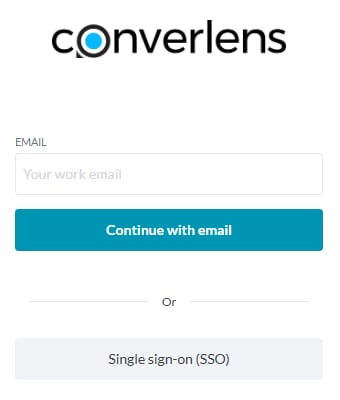
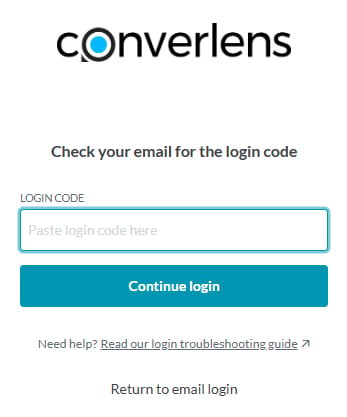
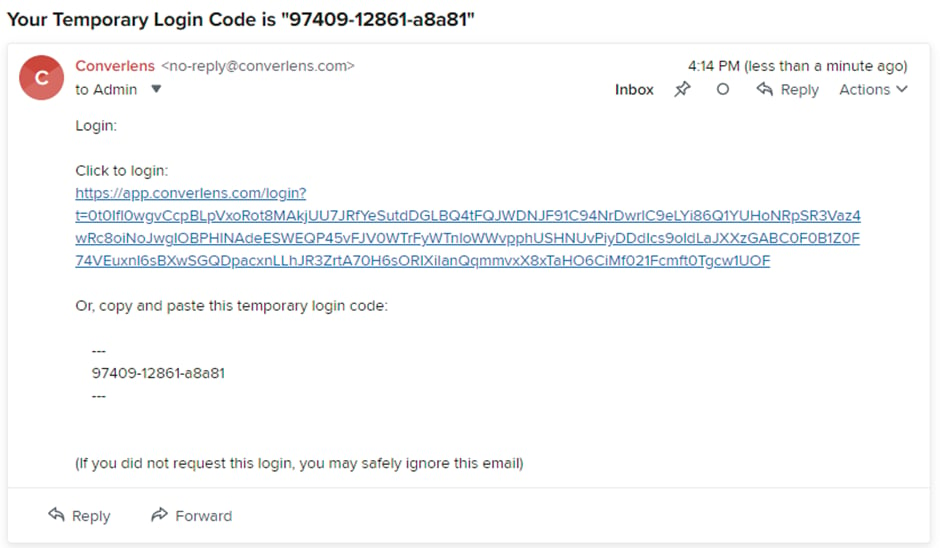
The login screen will appear by following the link above: Enter your email address and click Continue with email to log in. Converlens will send you an email with a link to log in, or a login code you can copy and paste into the login form. Login links and codes are only valid for 10 minutes. You will need to log in again if your login code or link expires.Example email
An example of the login email you will receive from Converlens is as follows:SSO login
Converlens supports custom Single Sign-On (SSO). If SSO is enabled for your workspace, you can use your organisation’s authentication provider to log in. Some workspaces may require SSO for access.Troubleshooting