

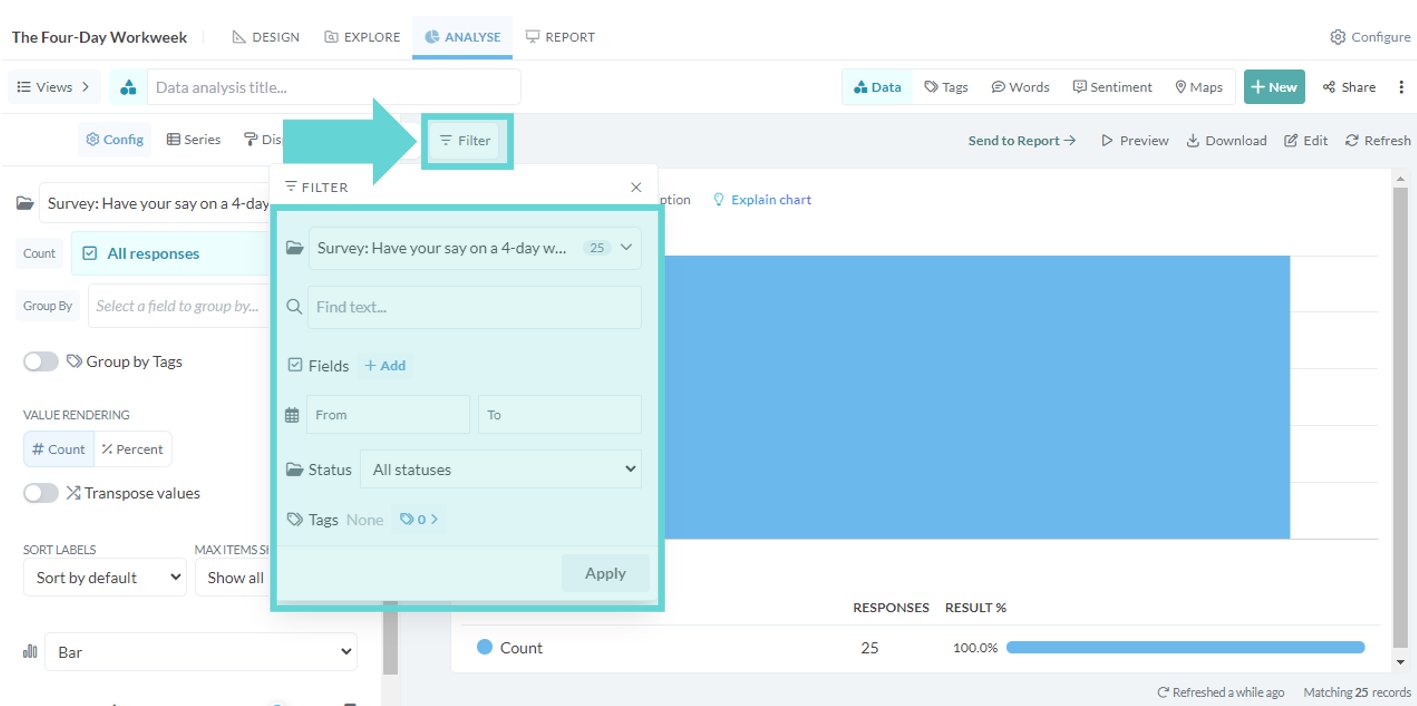
Filter panel options
The Filter panel options offer a versatile set of tools to refine and analyse the dataset. Perform text-based searches, limit results to specific text field blocks, apply filters based on structured data parameters, narrow down responses within a date range, segment by response status, and filter by applied tags. These powerful tools enable efficient exploration and extraction of targeted insights from the data.
To access the filter panel options, click the filter button on the left hand side of the stage window. A floating menu will appear with filter options: