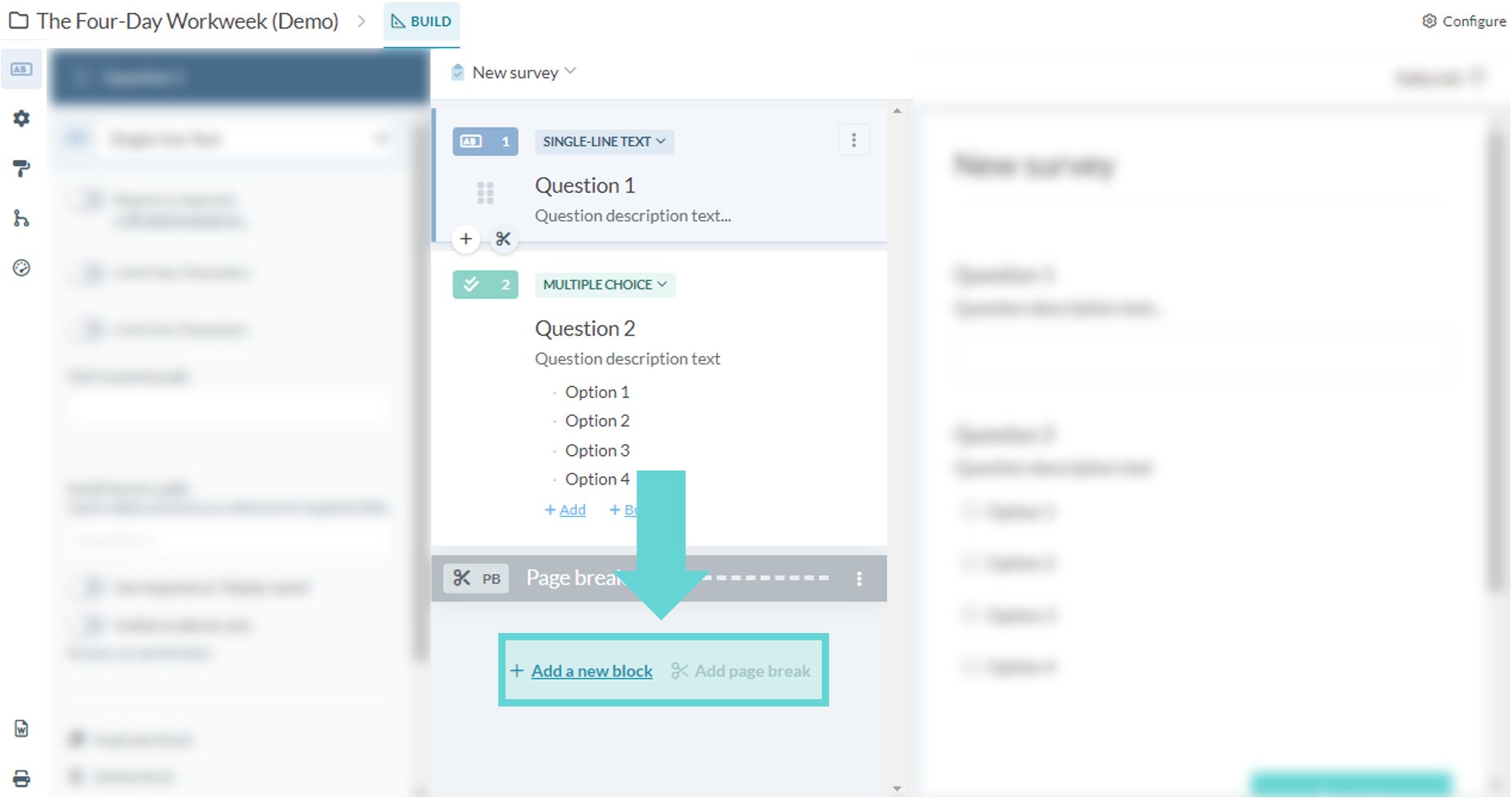
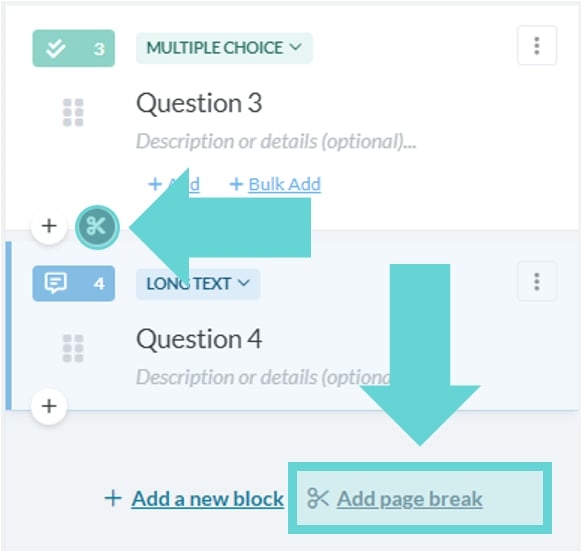
- Add a new block: These are the questions and content blocks of the survey
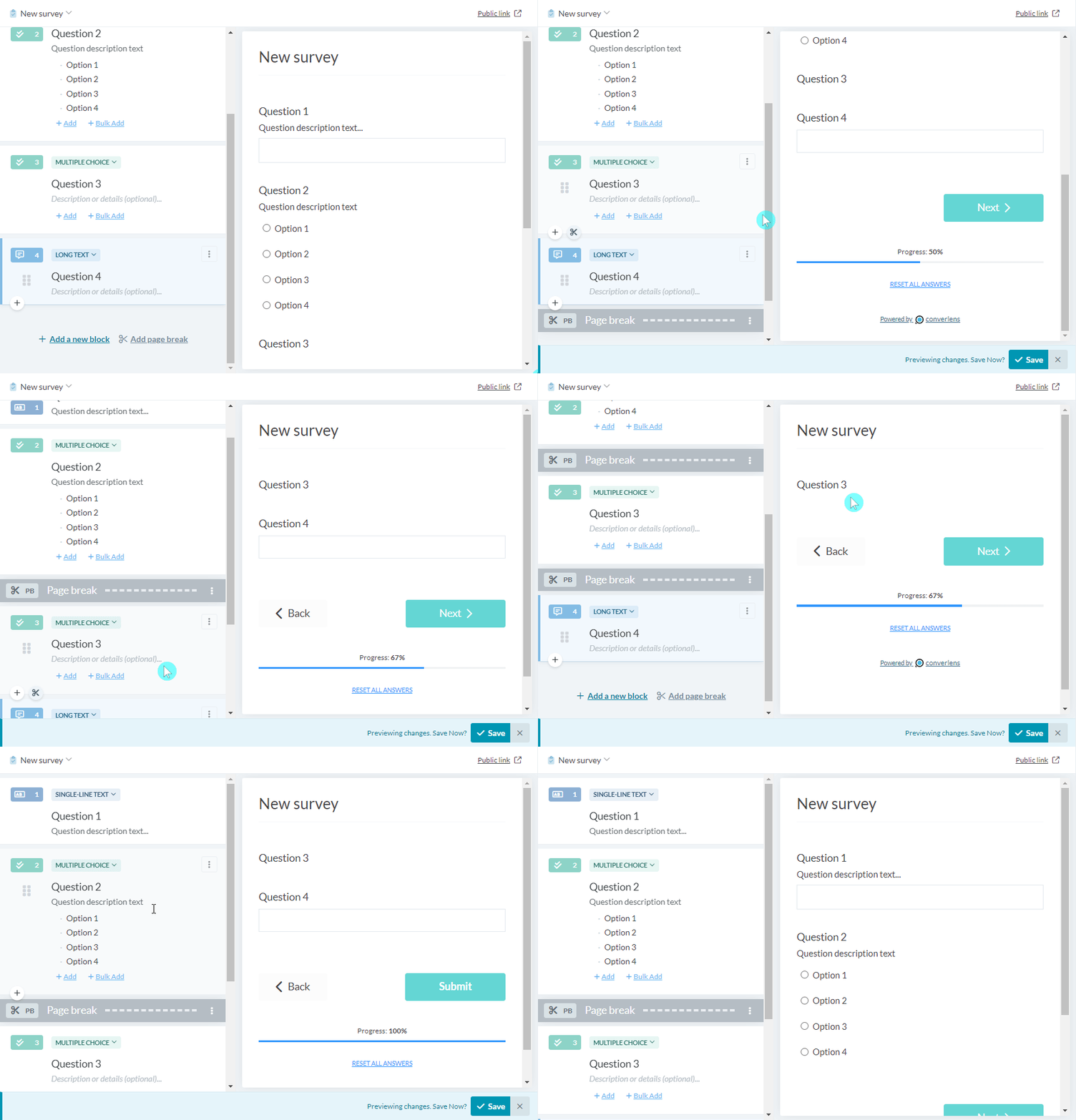
- Add page break: These are inserted to break up the survey so that there aren’t too many blocks on a page for a respondent to answer. It can be used to provide better grouping of blocks together that have a similar theme.
Adding a new block
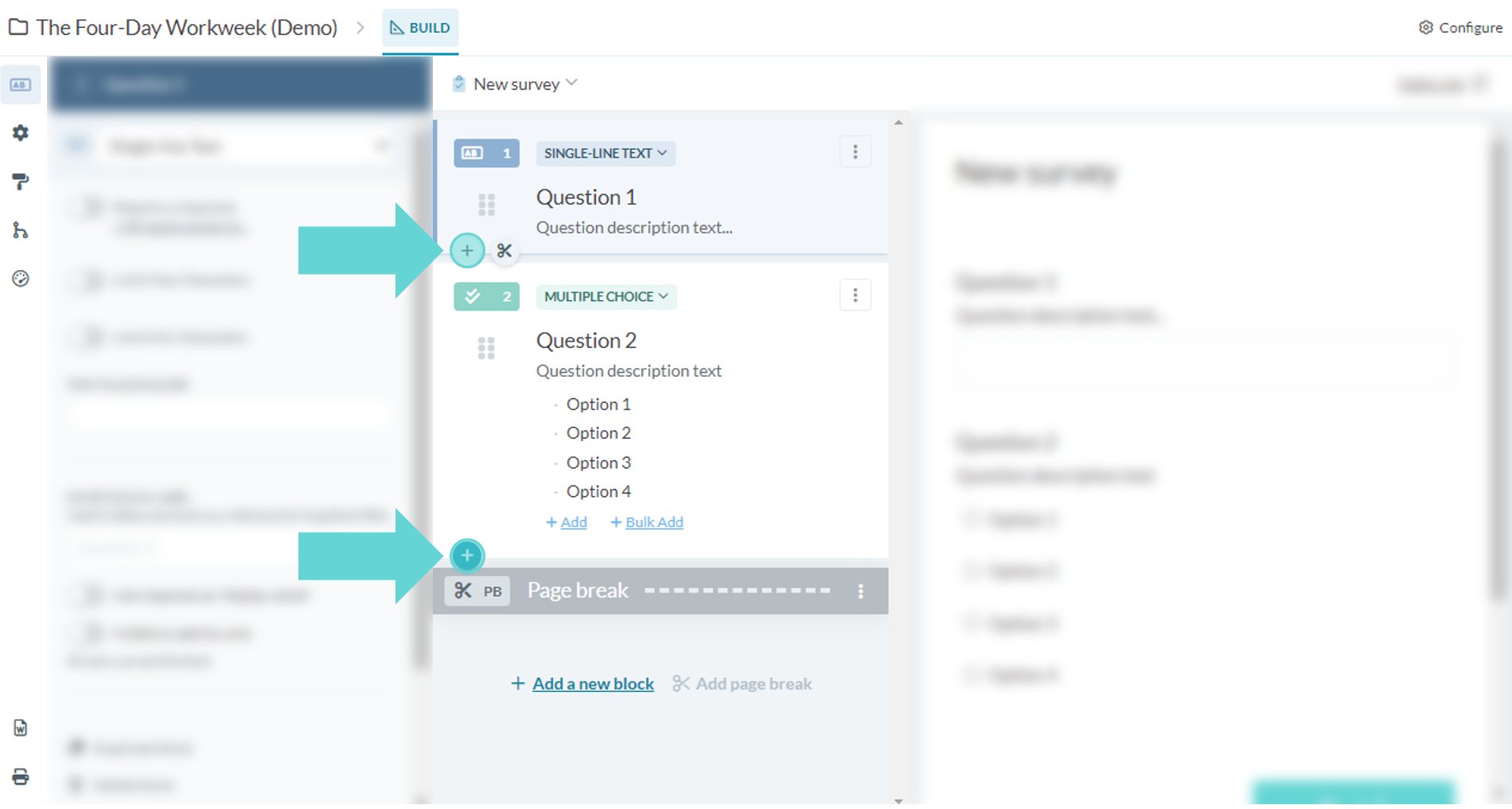
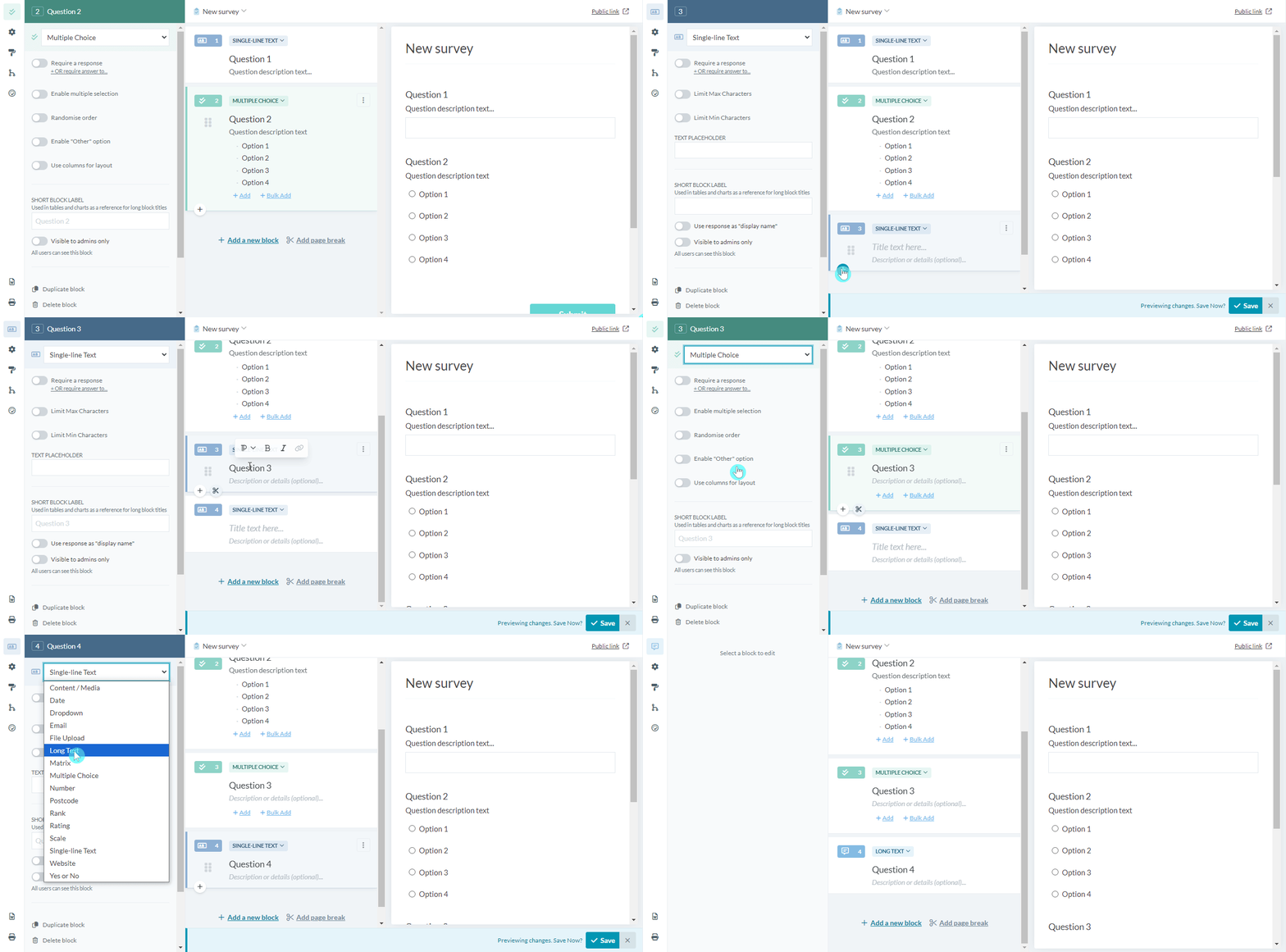
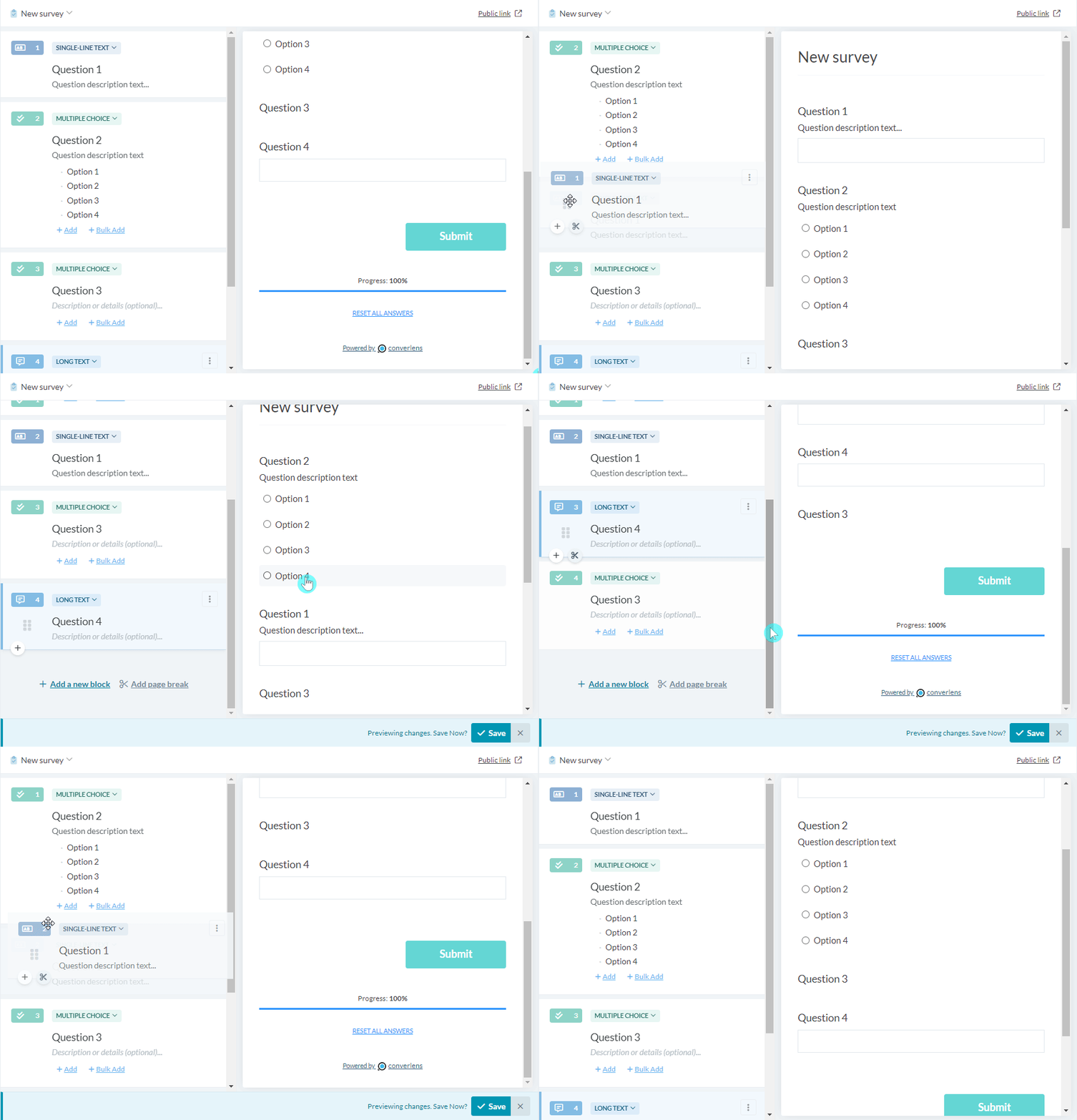
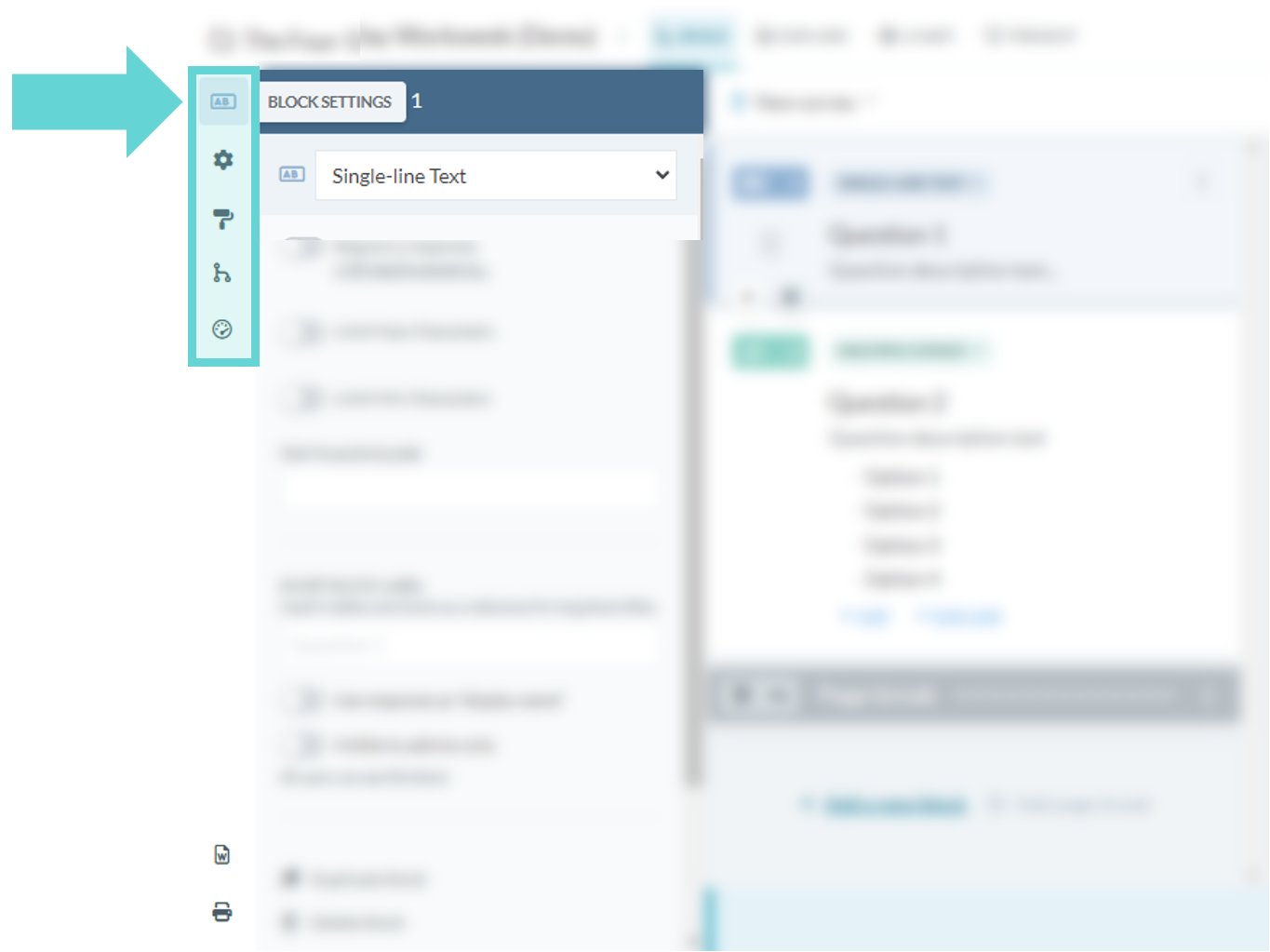
To Add a new block click on the +Add new block link or (+) button. By default this will add a Single Line Text block. To change the block type select the dropdown list in the Block editor column and select the type of block required:Re-order blocks
Adding a page break