Landing page
To access the explore page, click the Explore tab in the Project Navigation Bar:Navigation
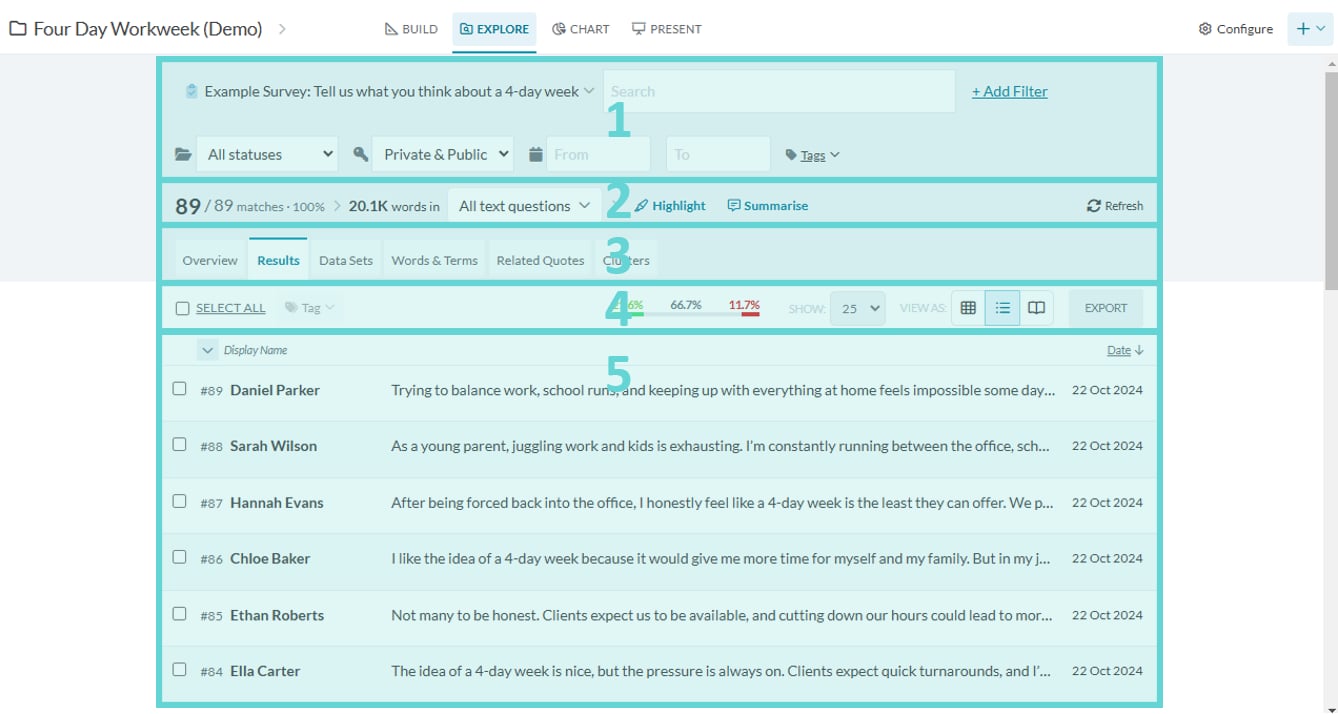
This will show the Explore landing page where you can explore and interact with the results (submissions) of the survey. There are a number of features and functions within this page.- (1) Search filters: various options to filter and limit results to search
- (2) Results ribbon: number of results, this number will change when search filters are applied
- (3) Navigation tabs: various functions to interact with the survey data and results
- (4) Results action bar: change and edit the results and results view
- (5) Results view: list or table of results
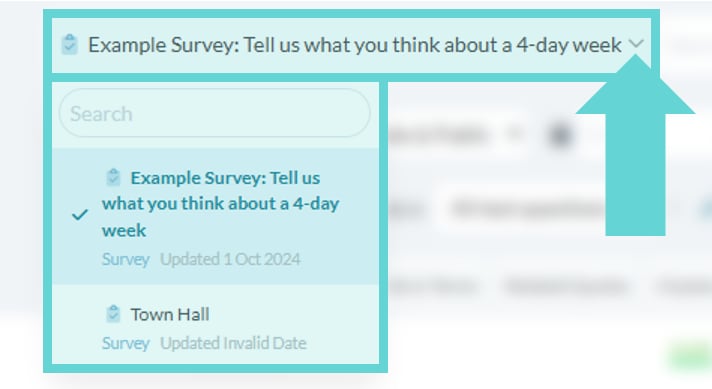
Navigating between Data Spaces in Explore