Results count
Shows the number of responses matching your currently applied filters. When using the text question limiter, the results count will include all responses unless a filter is applied. To display responses for a specific question, apply a filter to narrow the results to your desired criteria. Once the filter is in place, use the text question limiter to focus on text from specific question blocks.Word count
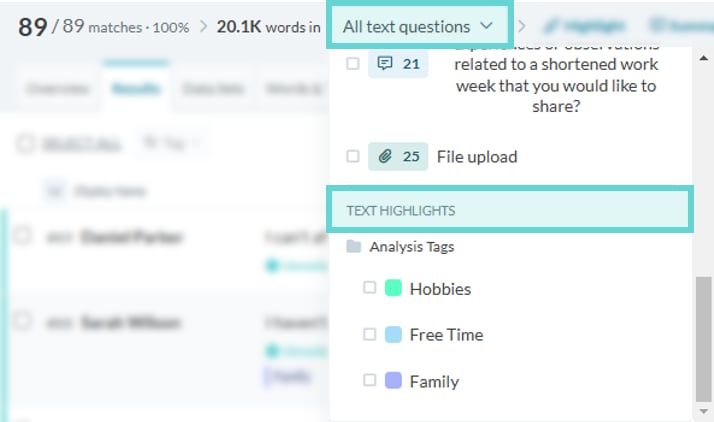
See the total number of words in matching results. Use the question dropdown to scope the count to specific questions or highlighted text. The word count will adjust based on the text blocks you’ve limited.Selecting text to limit
Text Fields
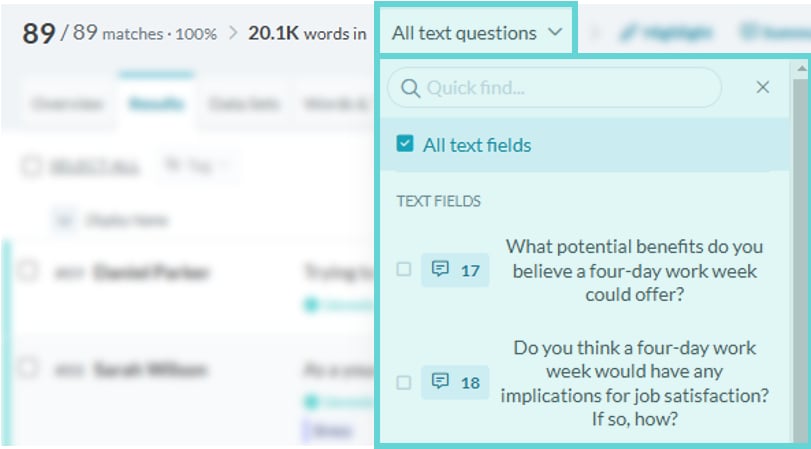
To limit the results to a survey question (Long Text or File Upload block), select the All text questions dropdown menu and click on the required question block. The results will now only show text from responses which answered that question text block. The text question limiter will show the number of selected blocks currently being limited, and will display the block number(s) being shown:Text Highlights